
There are now 69 million active YouTube creators on the platform as of 2026, up 11.6% from the previous year (MediaMister, 2026). That number isn’t slowing down. Meanwhile, over 500 hours of new video gets uploaded to YouTube every single minute. If you’re creating content without a system, you’re not just working harder than you need to — you’re falling behind people who figured out how to work smarter.
The secret most top creators don’t talk about openly? They don’t film every day. They film everything in one day, sometimes once a month, and then drip that content out strategically over weeks. That’s what a YouTube content calendar makes possible.
This guide breaks down the exact system — from idea generation through batch filming to metadata optimization — so you can start producing more content without sacrificing quality or burning out.
Key Takeaways – There are 69 million active YouTube creators in 2026, making a documented content strategy essential for standing out (MediaMister, 2026). – Documented content strategies produce 3x faster channel growth than ad-hoc uploading (InfluenceFlow, 2026). – Batch filming lets creators produce 2–4 weeks of content in a single focused production day, reducing setup time and increasing consistency. – Free tools at xrsave.com — including the Video Stats Checker and Tag Extractor — plug directly into the planning and optimization stages of any content calendar.
What Is a YouTube Content Calendar and Why Does It Matter?
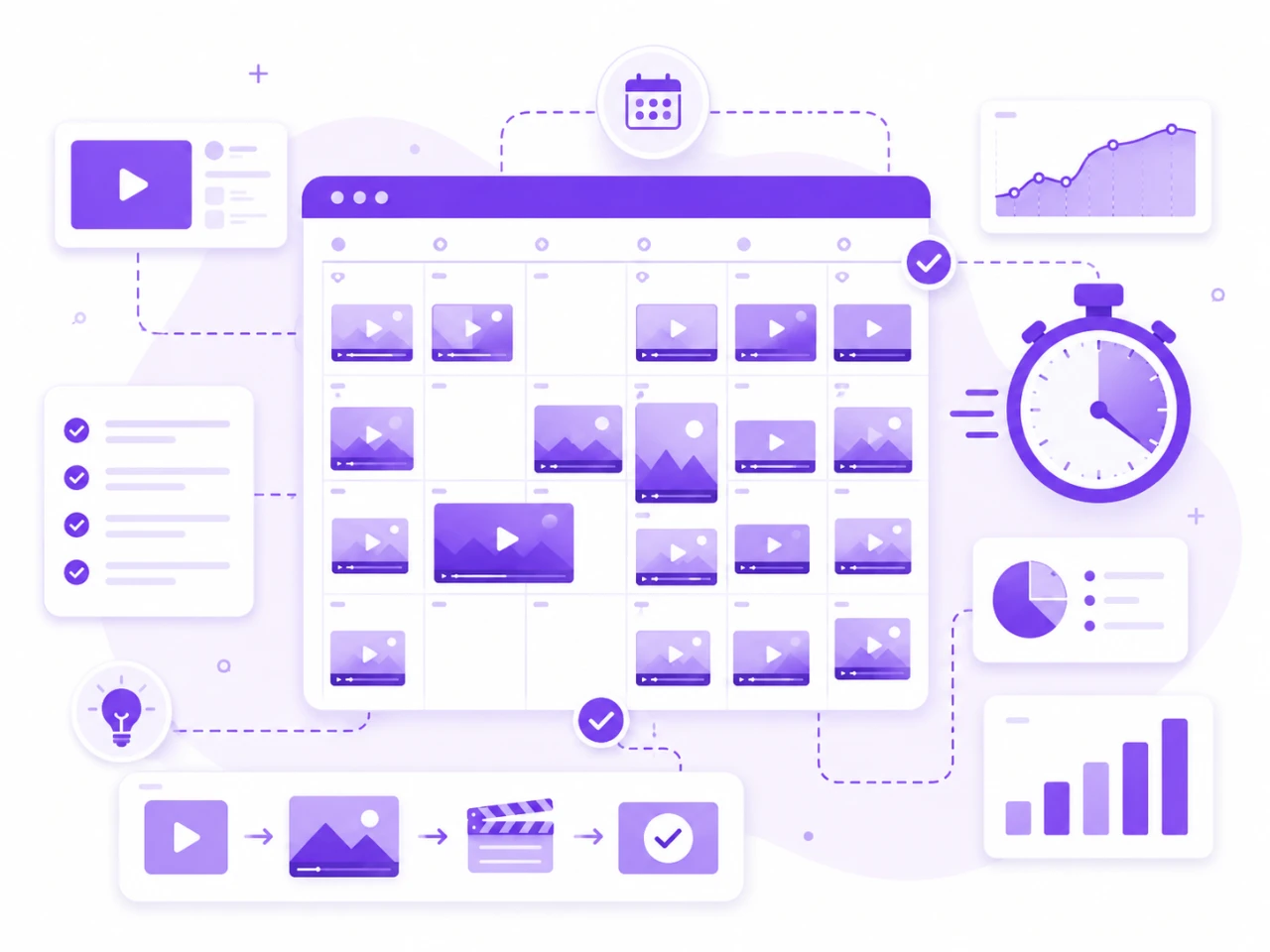
A YouTube content calendar is a documented plan that maps out your video topics, filming dates, upload schedule, keywords, thumbnail ideas, and production status — all in one place. It’s not just an organizational tool. It’s the structural difference between channels that grow predictably and channels that upload sporadically and wonder why the algorithm ignores them.
YouTube rewards one thing above almost everything else: consistency. The algorithm tracks whether your audience expects your content on a schedule. Channels that upload on a reliable cadence tend to build stronger viewer habits, which boosts return views, watch time, and ultimately search ranking. A content calendar makes that consistency achievable without requiring you to think about what to film next every single week.
A YouTube content calendar is a roadmap that documents video ideas, filming schedules, upload dates, SEO keywords, and thumbnail plans. Research from 2026 shows that creators with documented strategies grow 3x faster than those without one. The calendar removes decision fatigue from the production process and enables batch filming — the core technique that lets individual creators produce 30 videos per month without a full-time team.
The other reason content calendars matter specifically in 2026? Competition. With YouTube uploads growing faster than ever, there’s no room for “I’ll figure it out when I sit down to film.” By the time you’ve thought of your topic, your setup has been waiting idle for 45 minutes and your filming window is gone.
How Do Top Creators Actually Plan 30 Videos in One Day?
The “one day” in the title refers specifically to the idea generation and calendar-building phase — not the filming itself. Top creators separate content planning completely from production. Here’s how the two-stage process works in practice.
The Creator’s Two-Stage Content System
STAGE 1: PLANNING DAY (1 day per month)
✦ Brainstorm 30–60 video ideas ✦ Group ideas into content pillars ✦ Research keywords and tags ✦ Map videos to upload dates ✦ Write outlines for all videos ✦ Plan thumbnails per video Result: Full calendar ready to film
STAGE 2: BATCH FILM DAYS (2–3 focused filming sessions)
✦ Set up once, film multiple videos ✦ Change outfit between recordings ✦ Film intros first, then all CTAs ✦ Capture B-roll in one block ✦ Send to editor in batches ✦ Schedule uploads via calendar Result: 2–4 weeks of content done
Source: The Official XR Save at xrsave.com
The two-stage system top creators use to produce 30 videos per month — planning day first, batch filming second.
The planning day is where 30 video ideas get generated, grouped, outlined, and assigned to calendar dates. According to guides from creators like Simplee Digital Marketing, the recommended approach is to hold a dedicated “ideas session” — alone or with a small team — and brainstorm 30 to 60 topics, then immediately cluster them into themes or content buckets such as “how-to,” “FAQs,” “behind-the-scenes,” and “tutorials” (Simplee Digital, 2025).
The batch filming days come later, after every outline is written and every shot list is prepared. Creators like Stephanie Kase have documented filming four videos in under three hours by preparing every outline in advance and batching similar content together (Stephanie Kase, 2023). With 10 to 15 videos per filming session and two sessions per month, 30 videos per month is achievable without a large crew.
Batching gets even easier when you are not starting from zero for every slot. XR Save’s guide on how to repurpose one YouTube video into 10 pieces of content shows how a single upload can fill several calendar slots on its own, without filming anything new.
Step 1 — Build Your Idea Bank Before You Touch the Camera
The biggest time killer for YouTube creators isn’t filming. It’s indecision. Sitting in front of a camera wondering what to talk about destroys momentum and wastes the mental energy you need for actually delivering good content on screen.
The idea bank solves this completely. Set aside one morning every month and do nothing except generate video ideas. Here’s a practical method:
Pull from competitor tags. Use the XR Save YouTube Video Tag Extractor to pull the exact tags your top competitors have embedded in their highest-performing videos. Those tags represent the topics the YouTube algorithm already associates with strong engagement in your niche. They’re not just hashtags — they’re a direct window into what your target audience is actively searching for.
Check your own stats. Use the XR Save YouTube Video Stats Checker to pull views, likes, comments, and engagement rates from your existing videos. Your top performers are telling you exactly what content your audience wants more of. Plan three to five follow-up videos around every high-performer in your catalog.
Sort by content pillar. Once you have 30 to 60 ideas, group them into two to four recurring content buckets. TubeBuddy’s content calendar guidance recommends planning 12 weeks ahead and color-coding by content type to ensure balance across your upload schedule (TubeBuddy, 2025).
Step 2 — Structure Your Calendar Around Content Pillars
A content pillar is a broad recurring theme your channel returns to consistently. Having two to four defined pillars does two things: it keeps your content cohesive enough to build a loyal audience, and it makes batch filming dramatically faster because similar content can be filmed in the same session without changing your setup.
Here’s a simple pillar structure that works for most creator-focused YouTube channels:
Educational/Tutorial videos — how-to content that teaches a specific skill or process. These tend to rank well in YouTube search and have long shelf lives.
Tool and resource reviews — videos that evaluate specific platforms, apps, or workflows. These attract high-intent viewers who are ready to take action.
Behind-the-scenes and process content — videos that show how you create, plan, or work. These build trust and audience connection faster than polished productions.
Q&A and community content — videos that respond to comments, answer reader questions, or react to trending topics in your niche. These are fast to produce and great for filling gaps in your calendar.
Once your pillars are defined, assign each video idea to a pillar before you start outlining. This makes it easy to see at a glance whether your calendar is balanced or skewed too heavily toward one type of content.
InfluenceFlow’s 2026 creator research recommends planning a 60/40 split between long-form content and YouTube Shorts for most niches — with the long-form serving as your primary SEO content and the Shorts acting as a discovery and awareness engine (InfluenceFlow, 2026).
Step 3 — Write Outlines for Every Video Before Filming Day
Outlines are the single most important preparation step in batch filming. They’re what make it possible to film four, six, or even eight videos in a single session without losing energy or momentum between recordings.
An effective outline doesn’t need to be a word-for-word script. It needs three things:
A strong opening hook — the first 15 to 30 seconds of any YouTube video determines whether the viewer stays. Your outline should lead with the most compelling version of your promise. What will the viewer walk away knowing or being able to do?
Three to five structured talking points — keep each point focused on a single idea. If a point requires more than three sentences to explain in the outline, break it into two separate points.
A clear call to action — every video should tell the viewer what to do next. Whether that’s subscribing, visiting a link, or watching another video, the CTA should be written into the outline so you don’t forget it during filming.
Creators who write outlines ahead of filming report dramatically smoother sessions. As documented in batch filming guides from Streamlabs, preparing scripts or outlines before turning on the camera reduces decision-making mid-shoot and allows you to move between videos without losing time to re-planning (Streamlabs, 2025).
For each video in your calendar, also note the primary keyword at the top of the outline. That keyword will drive your title, thumbnail text, and video description later.
Step 4 — Batch Film Everything in Two Focused Sessions
With outlines ready and a calendar fully built, batch filming becomes straightforward. The goal is to minimize the number of times you set up your camera, lights, and background — each setup takes time that eats into your filming window.
Batch Filming Day: Recommended Time Blocks
Setup Warm-up Video Core Batch Filming B-Roll Wrap
30 min 45 min 3–4 hours 30 min 15 min
Key Batch Filming Rules
Film all intros first, then all main segments, then all CTAs
Change outfits between videos — even swapping a top works
Aim for 4–6 videos per 3-hour session maximum to avoid burnout
Hydrate, take voice breaks, and use your outlines — don’t improvise
Source: The Official XR Save at xrsave.com
A structured batch filming day keeps energy levels high and output consistent across all recorded videos.
Here are the batch filming rules that experienced creators recommend:
Film similar formats together. If you’re doing four talking-head tutorial videos and two “reaction to comments” videos, film the tutorials back-to-back and the reactions back-to-back. Switching between formats mid-session forces mental context switching that slows you down.
Change small visual details between recordings. A different top, a slight background adjustment, or a different prop on the desk makes each video look distinct even though they were filmed in the same space. This is critical for channels where you don’t want 10 videos looking identical.
Keep sessions to four to six videos maximum. Filming is more taxing than it looks. Streamlabs recommends doubling your estimated filming time until you’ve got the process down (Streamlabs, 2025). Pushing through too many videos in one session results in visible fatigue on camera and lower quality content across the board.
Film all intros, then all main content, then all CTAs. This reduces cognitive switching between the different energy levels each section requires. Your intros need high energy and enthusiasm. Your main sections need clarity and focus. Your CTAs need to be direct and confident. Filming each in blocks helps you stay in the right mode.
Step 5 — Optimize Every Video’s Metadata Before Scheduling
Batch filming gets your footage done. But the work that actually determines whether people find your videos is metadata — your title, description, tags, and thumbnail.
This is where the XR Save tool suite plugs directly into the calendar workflow.
Research thumbnail strategy first. Before you design thumbnails for your batch of videos, study what’s working in your niche. Use the XR Save YouTube Thumbnail Downloader to download HD thumbnails from your top competitors’ best-performing videos. Analyze the color palettes, text placement, and facial expressions that appear most frequently among high-click videos. Then build your thumbnail templates around what the data shows, not what you personally prefer.
Extract tags from top-ranking videos. Use the XR Save Tag Extractor to pull the full tag list from any video that ranks for the keywords you’re targeting. These tags show you exactly how the YouTube algorithm categorizes that content. Adding the right tags to your own videos helps the algorithm understand who to serve your content to — especially on a new upload with no watch history yet.
Verify channel identity for collaborations or API work. If you’re pitching collaborations or setting up third-party analytics integrations, use the XR Save Channel ID Finder to retrieve channel IDs instantly without digging through source code.
Analyze competitor video performance before publishing. Use the XR Save Video Stats Checker to check the view count, engagement rate, and like/comment ratios of the top-ranking videos in your topic area. If the top video for your target keyword has 50,000 views and a 4% engagement rate, that’s your performance benchmark. Knowing that before you publish helps you set realistic expectations and identify what you’d need to do to outperform it.
[UNIQUE INSIGHT] Most creators treat tag research as an afterthought done after filming. The smarter approach is to use the XR Save Tag Extractor during the planning phase — before you write outlines — so your video structure is built around the tags and keywords that already have proven search demand. This reverses the typical workflow and produces videos that are optimized from concept rather than optimized after the fact.
Step 6 — Build a Channel Brand Audit Into Your Monthly Routine
The content calendar isn’t only about the videos you’re about to create. It’s also about understanding how your channel looks and performs to someone who discovers it for the first time.
Once per month, as part of your calendar review, run a quick channel brand audit:
Check your channel banner. Your banner is the first visual impression visitors get on your channel page. Use the XR Save YouTube Channel Banner Downloader to download banners from channels in your niche — in resolutions up to 2560×1440 — and compare them against yours. Are you using the same amount of text? Similar visual hierarchy? The same kind of energy in the design?
Compare your thumbnail style to top performers. Download five to ten thumbnails from channels similar to yours using the XR Save Thumbnail Downloader and lay them side by side against your recent uploads. Inconsistencies in font, color, or composition are often what prevent a channel from looking “established” to new visitors.
Review your stats trajectory. Use the Video Stats Checker to compare engagement rates across your last five videos. If engagement is trending down despite consistent uploads, your topic selection or thumbnail strategy needs adjustment — not your upload frequency.
This monthly audit takes less than 30 minutes and gives you actionable data for the next planning cycle.
What Tools Do You Actually Need to Run This System?
The good news is that you don’t need a large tech stack to run this workflow. Here’s everything you need — most of it free:
For planning and calendar management: Google Sheets or Notion work perfectly. Trello is great if you prefer a visual Kanban board. None of these cost anything at the level most creators need them.
For idea and keyword research: The XR Save Tag Extractor and Video Stats Checker handle the competitive research side. YouTube’s own search bar autocomplete is still one of the best free keyword tools available.
For thumbnail and banner reference: The XR Save Thumbnail Downloader and Channel Banner Downloader give you instant access to any channel’s visual assets in HD, with no login required.
For channel and metadata management: The XR Save Channel ID Finder covers any API or integration work. YouTube Studio handles the rest natively.
None of these tools require registration, payment, or usage limits. All of them are available at xrsave.com and work on mobile, tablet, and desktop.
The Weekly Maintenance Routine That Keeps the Calendar Running
Building the calendar once isn’t enough. What makes the system sustainable is a lightweight weekly check-in that takes 15 minutes and prevents the calendar from falling apart between monthly planning sessions.
Every week, do three things:
Check this week’s video stats using the XR Save Stats Checker. Note the engagement rate and compare it to the previous week. If engagement dropped significantly, look at whether you changed your thumbnail style, your title format, or your hook structure.
Update your idea bank. Add any ideas that came up during the week — from comments, competitor videos, trending topics, or your own curiosity. You want at least 10 to 15 fresh ideas waiting by the time next month’s planning session rolls around.
Confirm next week’s video is ready. Check that the thumbnail is finalized, the description is written, the tags are in place, and the video is scheduled. If anything’s missing, handle it now rather than the night before the upload.
This 15-minute weekly habit is what separates creators who consistently publish from creators who mean to.
A Full Monthly Content Calendar Template
Here’s a simplified monthly structure you can adapt:
Week 1 — Planning Day – Morning: Generate and organize 30–60 video ideas – Afternoon: Write outlines for all videos, assign keywords, build thumbnail brief
Week 2 — First Batch Filming Session – Film 10–15 videos in one day using your outlines – Send footage to editor or begin editing the first batch – Finalize thumbnails for the first four uploads
Week 3 — Second Batch Filming Session (if needed) – Film remaining videos for the month – Complete editing on first batch – Schedule first eight videos with complete metadata
Week 4 — Review and Prep for Next Month – Run monthly brand audit using XR Save tools – Review performance data from published videos – Start populating next month’s idea bank
Creators who run this structure typically have two to three weeks of buffer content at all times — meaning even if life gets in the way, the channel keeps publishing on schedule.
Start Building Your Content Calendar Today
The creators with the fastest-growing YouTube channels in 2026 aren’t filming more than you. They’re planning smarter, batching their production, and using data to guide every decision from topic selection to thumbnail design.
Every tool you need for the research and optimization stages of this workflow is available free at The Official XR Save at xrsave.com. No login. No limits. No setup.
- YouTube Video Tag Extractor — research competitor tags during planning
- YouTube Video Stats Checker — benchmark competitor performance before publishing
- YouTube Thumbnail Downloader — download HD thumbnails for design research
- YouTube Channel Banner Downloader — audit channel branding monthly
- YouTube Channel ID Finder — retrieve channel IDs for integrations and collaborations
Frequently Asked Questions
How many videos should I plan in a YouTube content calendar?
Most channels do well planning 4 to 8 weeks of content at a time. InfluenceFlow’s 2026 creator research recommends planning a minimum of 12 weeks ahead to give yourself enough buffer for production delays, trending opportunities, and editing backlog (InfluenceFlow, 2026). Start with one month and extend as your system matures.
Can I really batch film 30 videos in one day?
Not the filming itself — but you can plan, outline, and calendar-map 30 ideas in a single focused morning. The actual filming typically takes two sessions of 10 to 15 videos each, spaced over different days. Batch filming guides consistently recommend 4 to 6 videos per filming session as the sustainable maximum to maintain on-camera energy and content quality.
How do I find video topics for my content calendar?
Use the XR Save Tag Extractor to pull competitor tags, the Video Stats Checker to find your own top performers, and YouTube’s autocomplete for fresh keyword ideas. Combine all three and you’ll have more topics than you can film.
What’s the best tool to manage a YouTube content calendar?
Google Sheets and Notion are the most commonly used free options. Include columns for video title, keyword, upload date, thumbnail status, filming status, editing status, and engagement notes. Keep it simple — a calendar you actually update beats a complex system you abandon after two weeks.
How does thumbnail research fit into the content calendar process?
Before your monthly planning session, use the XR Save Thumbnail Downloader to download the top-performing thumbnails in your niche. Analyze common patterns in color, layout, and text. Build your thumbnail templates around what already performs well, then design all month’s thumbnails in one batch to stay visually consistent.
Conclusion
A YouTube content calendar isn’t a productivity hack — it’s the infrastructure that makes everything else work. With 69 million active creators on the platform and 500 hours of new video uploaded every minute, consistency and strategic planning are what separate channels that grow from channels that stagnate.
The system outlined here — idea bank, content pillars, batch outlines, batch filming, and metadata optimization — is the exact workflow top creators use to produce 30 videos a month without burning out or relying on a full production team.
Use the free tools at xrsave.com — the Tag Extractor, Stats Checker, Thumbnail Downloader, Banner Downloader, and Channel ID Finder — to plug data into every stage of the process. Then build your calendar, batch your content, and start growing.
Always make sure you’re using the official platform: The Official XR Save at xrsave.com.