
Every video optimization guide assumes the channel behind it is already in good shape, and most aren’t. Your channel page is the thing a viewer lands on after clicking through from a video, and it’s also a page YouTube’s own search and Google’s search both index in their own right. A handle that doesn’t reflect your niche, a description with no keyword in the first line, a banner that crops badly on mobile — none of these will sink a good video, but together they quietly cap how much a channel can grow from search. This guide covers the channel-level elements that actually carry search weight in 2026, separate from anything you do at the video level.
Why Channel-Level SEO Is Different From Video SEO?
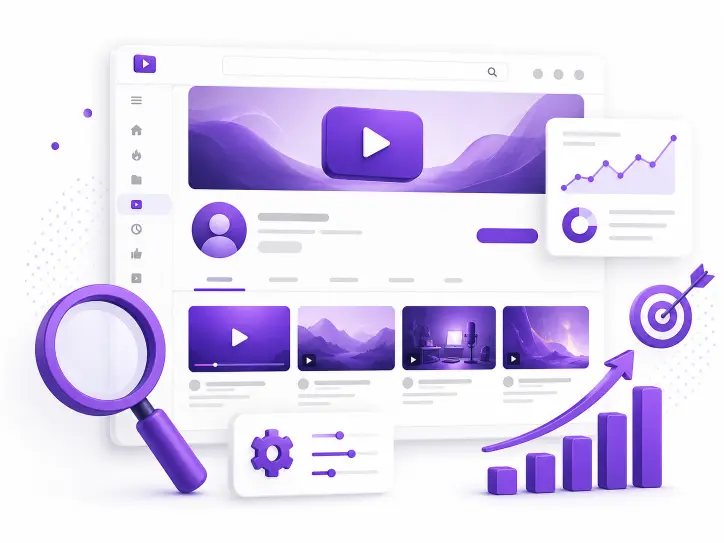
A video gets ranked against a specific search query. A channel gets evaluated as a whole — what topic it consistently covers, how active it is, and whether its branding matches what it claims to be about. YouTube uses channel-level signals to decide which “micro-community” or topic cluster a channel belongs to, and that classification affects how often any individual video from that channel gets surfaced.
This means channel optimization isn’t a one-time setup task you do and forget. It’s the foundation every video upload builds on. A channel with a vague handle, an empty About section, and inconsistent topics gives YouTube less to work with than a channel where every element reinforces the same niche.
Your Handle Is Now a Direct Search Signal
The @handle replaced the old custom URL system, and unlike the legacy format, it’s directly searchable across YouTube — in Search, in Shorts, in comments, and in mentions. Choosing a handle that reflects your niche rather than just your name or brand is one of the highest-leverage decisions on the entire channel page.
A handle like @MorningRoastCoffee tells both viewers and YouTube’s systems what the channel is about before a single video plays. A handle like @JohnSmith23 tells them nothing. If your channel already has a handle that doesn’t reflect your niche, it’s worth weighing a change, since the handle now does real discovery work that the channel name alone doesn’t.
Locking In Your Channel ID Alongside Your Handle
Handles can be changed; the underlying channel ID can’t. If you’re auditing your own channel setup or benchmarking against competitors in your niche, it’s worth having the permanent ID on hand for both. XR Save’s Channel ID Finder returns the exact ID and full channel URL from any handle or channel link in seconds, which is useful groundwork before making any handle changes or building a competitor comparison sheet.
Read Also: How to Find a YouTube Channel ID in 3 Seconds
The Channel Description: Your Most Underused Search Asset
The channel description does two jobs at once. It explains your channel to a human visitor, and its first stretch of text is what search engines pull into a preview snippet. The first roughly 100 characters are what shows up next to your channel in YouTube search results and in Google’s search snippets, which means that opening line carries more search weight than the rest of the description combined.
Lead with your primary keyword and what the channel actually delivers, not a generic welcome message. “Weekly budget travel guides for solo travelers under 30” tells both a human and a search engine exactly what to expect. “Welcome to my channel, I love making videos” tells neither anything useful, and it wastes the only part of the description most people and most algorithms will actually see.
Studying How Successful Channels in Your Niche Frame Themselves
Before writing your own description, it helps to see how channels already succeeding in your niche position themselves at the video level, since the same keyword instincts that work in a video title and description tend to carry over to the channel description. XR Save’s Video Title & Description Extractor pulls the exact title and description text from any public video, making it straightforward to compare how several niche leaders frame their content before drafting your own channel-level version.
Channel Art: Banner, Profile Image, and What Actually Gets Seen
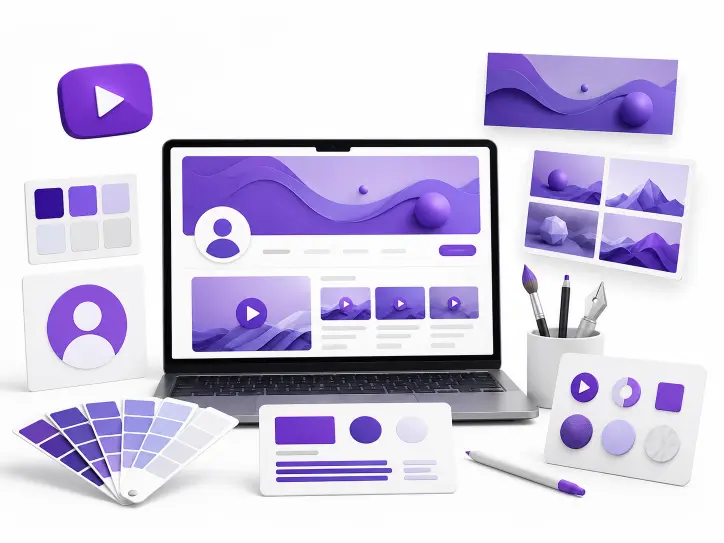
Visual branding isn’t just aesthetic — a banner that’s illegible on mobile or a profile image that doesn’t render clearly at small sizes undermines the trust signal a polished channel page sends to both viewers and to YouTube’s own quality evaluation.
A few specs that matter in practice: channel banners should be uploaded at a minimum of 2048×1152 pixels, with any important text kept inside the smaller 1235×338 pixel safe area, since that’s the zone guaranteed to stay visible across desktop, tablet, and mobile crops. Profile images need to hold up at a minimum of 98×98 pixels without losing legibility. Skipping the safe-area constraint is the single most common channel art mistake — text or logos that look fine on desktop often get cropped out entirely on a phone.
Benchmarking Against How Established Channels Brand Themselves
Seeing how channels with strong, recognizable branding handle their banner art is one of the fastest ways to calibrate your own. XR Save’s Channel Banner Downloader pulls any public channel’s banner in full resolution, which makes it easy to study layout, text placement, and how other channels in your space handle the safe-area constraint before finalizing your own design.
Read More : How to Create a YouTube Brand Kit Without Hiring a Designer
Channel Keywords: Set Them, but Keep Expectations Realistic
YouTube Studio still has a channel keywords field, tucked under Settings, Channel, Basic Info, where you can add terms describing your content and audience. This is worth filling in — it costs a few minutes and gives YouTube’s systems additional context about your channel’s focus.
That said, set expectations correctly: channel-level tags and keywords carry minimal ranking weight in 2026, the same way video-level tags do. XR Save’s breakdown of whether YouTube tags still matter for SEO covers this in depth at the video level, and the same logic applies to the channel keywords field — fill it in accurately as a small assist, but don’t expect it to move your channel’s discoverability on its own. The description, the handle, and consistent upload topics are doing the real work.
Audit What Your Channel Currently Looks Like Before Changing Anything
Before making changes to handle, description, or art, it’s worth having a clear baseline of where your channel stands. Checking subscriber count, total views, and video count for both your own channel and a few established channels in your niche gives you a frame of reference for what “working” actually looks like in your specific space, rather than optimizing against a generic checklist alone.
What to Do After Your Channel Page Is Optimized
Channel optimization works best once you already know exactly who the channel is for. If you’re setting this up for a brand-new channel, it’s worth working backward from XR Save’s guide on how to find your YouTube niche in 2026 first — a clearly defined niche makes every decision in this guide easier, from the handle you choose to the first line of your description.
Frequently Asked Questions
How often should I update my channel description?
Revisit it whenever your content focus shifts meaningfully, but otherwise leave it alone once it accurately reflects your niche and leads with your primary keyword in the first line.
Does changing my handle hurt my existing search rankings?
There’s no public evidence that a handle change resets a channel’s standing, but it’s worth doing deliberately rather than frequently, since consistency in how a channel presents itself is itself a signal YouTube weighs.
Is the channel trailer still worth setting up in 2026?
Yes. A short trailer aimed at new visitors explains who you are and what they’ll get from subscribing, which supports the same trust and clarity signals as a strong description and banner.
Do channel keywords actually help my channel get found?
They help marginally, similar to video tags. Fill the field in accurately since it costs little, but the handle, description, and consistent content focus carry far more actual search weight.
What’s the single highest-impact channel page change I can make today?
For most channels, it’s the first 100 characters of the channel description, since that’s the text search engines actually surface in results — yet it’s the section creators most often leave generic or unwritten.
Start by Seeing Where You Stand
Before changing your handle, rewriting your description, or redesigning your banner, get a clear picture of your current channel and a few niche leaders for comparison. Start with XR Save’s Channel ID Finder to lock in stable identifiers for tracking, free, no account, unlimited use at xrsave.com.